Install bbSTAT on your phone
08.11.2026
bbSTAT can be installed on your phone like an app. It gets its own icon on the home screen, opens without the browser's address bar and keeps the latest stats one tap away. There is nothing to download from an app store.
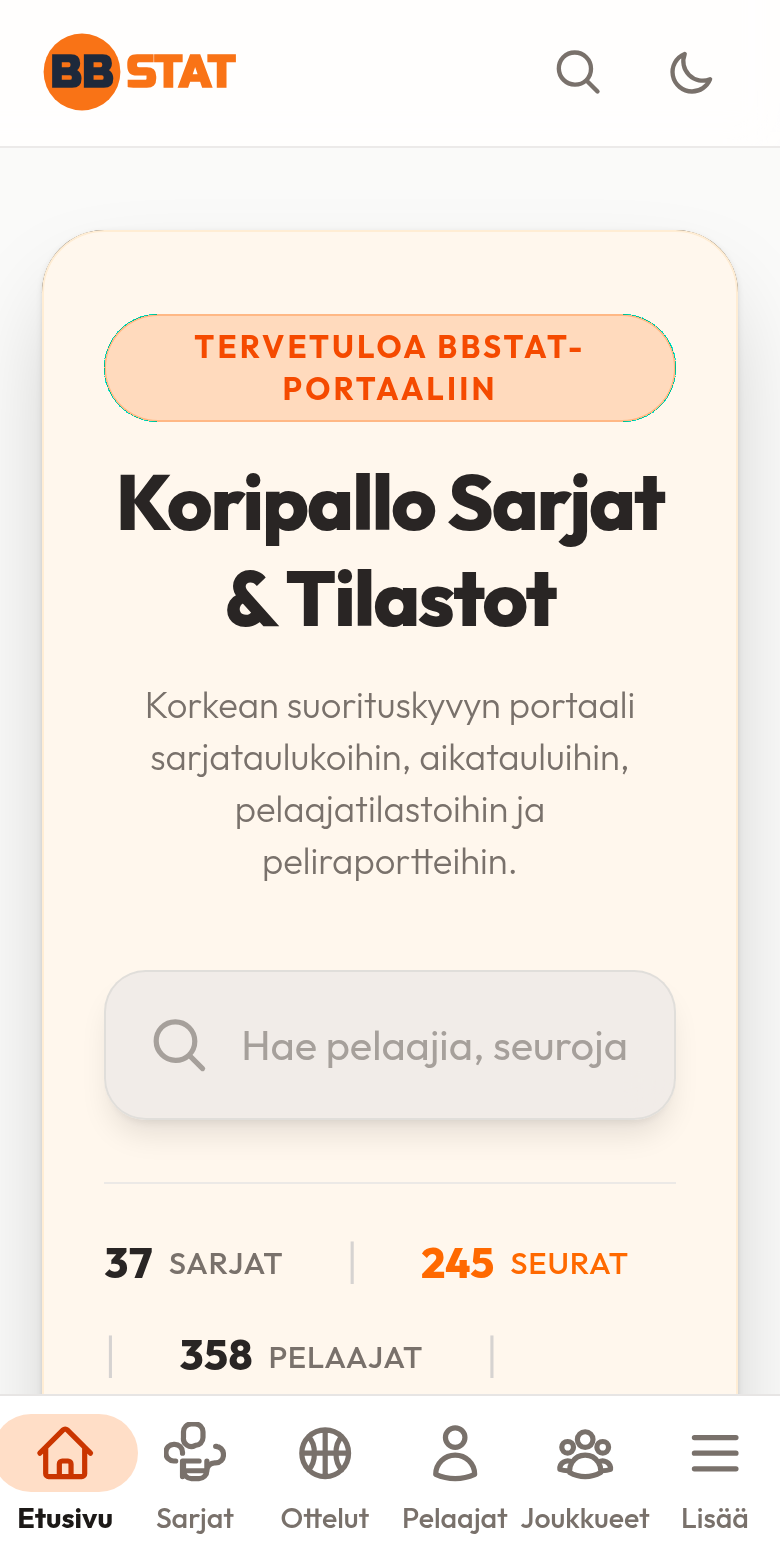
What you get
- An icon on the home screen. Open bbSTAT in one tap, the same way as any other app.
- Full screen. No browser bars, so there is more room for tables and charts.
- A bottom bar. In the installed app the main pages are one thumb away: Home, Leagues, Games, Players and Statistics (Teams if you are not logged in). More opens the rest of the menu.
- Always the latest data. The app is the same site, so a new result is there as soon as it has been entered. Without a connection it shows a short notice and a button to try again.
How to install
Android (Chrome)
Open bbSTAT on your phone and tap Install when the banner appears at the bottom of the page. If you do not see the banner, open the browser menu and choose Install app (or Add to Home screen).
iPhone and iPad (Safari)
Open bbSTAT in Safari, tap the Share button and choose Add to Home Screen. Other browsers on iOS cannot install it, so use Safari.
Good to know
- The banner only shows on phones and tablets, and not again for a while if you close it.
- Your login, language and dark mode setting work the same in the app as in the browser.
- To remove the app, delete the icon like any other app.