Make the front page yours: follow leagues, teams, clubs and players
10.11.2026
Make the front page yours. Sign in, follow the leagues, teams, clubs and players you care about, and the front page shows what happened last and what is next for each of them.

What you can follow
- A team. Its latest result and its next game this season.
- A club. The same, across all the club's teams.
- A player. The player's latest game with the points scored, and their team's next game.
- A league. The standings and the latest results of the league, as before.
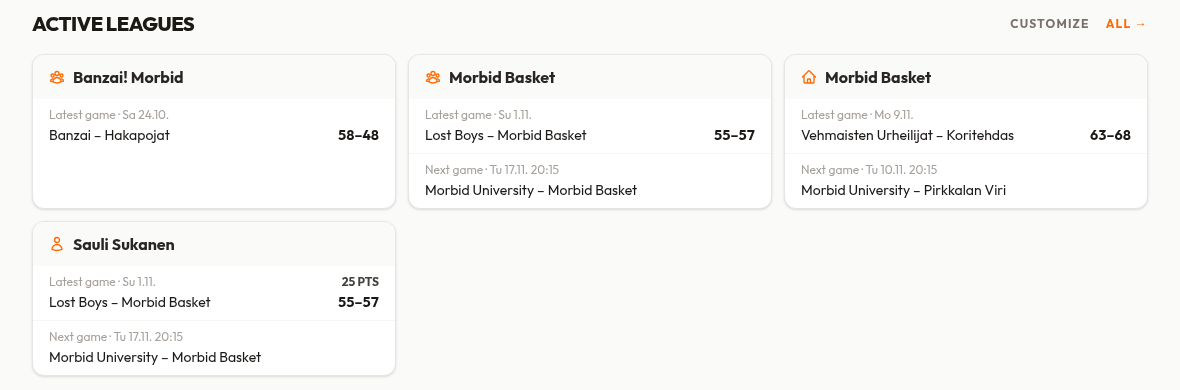
Choose your leagues
The leagues the site lists on the front page are followed for you from the start. Untick the ones you do not want, or tick others. The calendar at the top includes the games of everything you follow. Reset to default puts it all back.
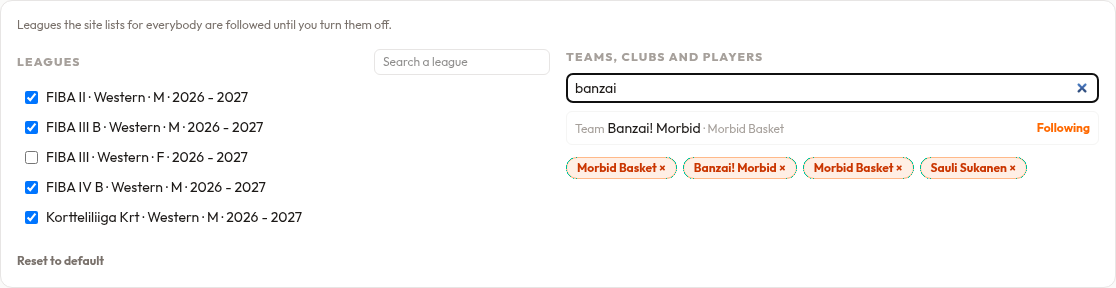
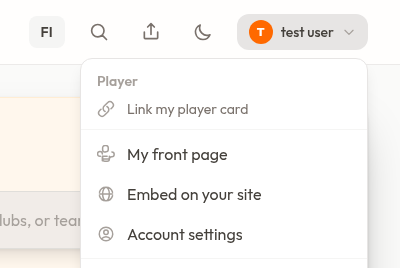
Open the panel with Customize on the front page, or choose My front page in the user menu.
Good to know
- You need to be signed in. What you follow is yours alone and is not shown to anyone else.
- If you unfollow a league, its card is hidden, but a followed team or player in it still gets a card.
- Following is about the current season's games. A team with no games this season shows an empty card.
Want a team's standings or games on your own website too? See Embed on your site in the user menu. Questions or ideas? Use the contact form.