How to share stats as pictures
Results are often shared in a team chat. Many pages of bbSTAT can be turned into a picture that is ready to send.
Box score
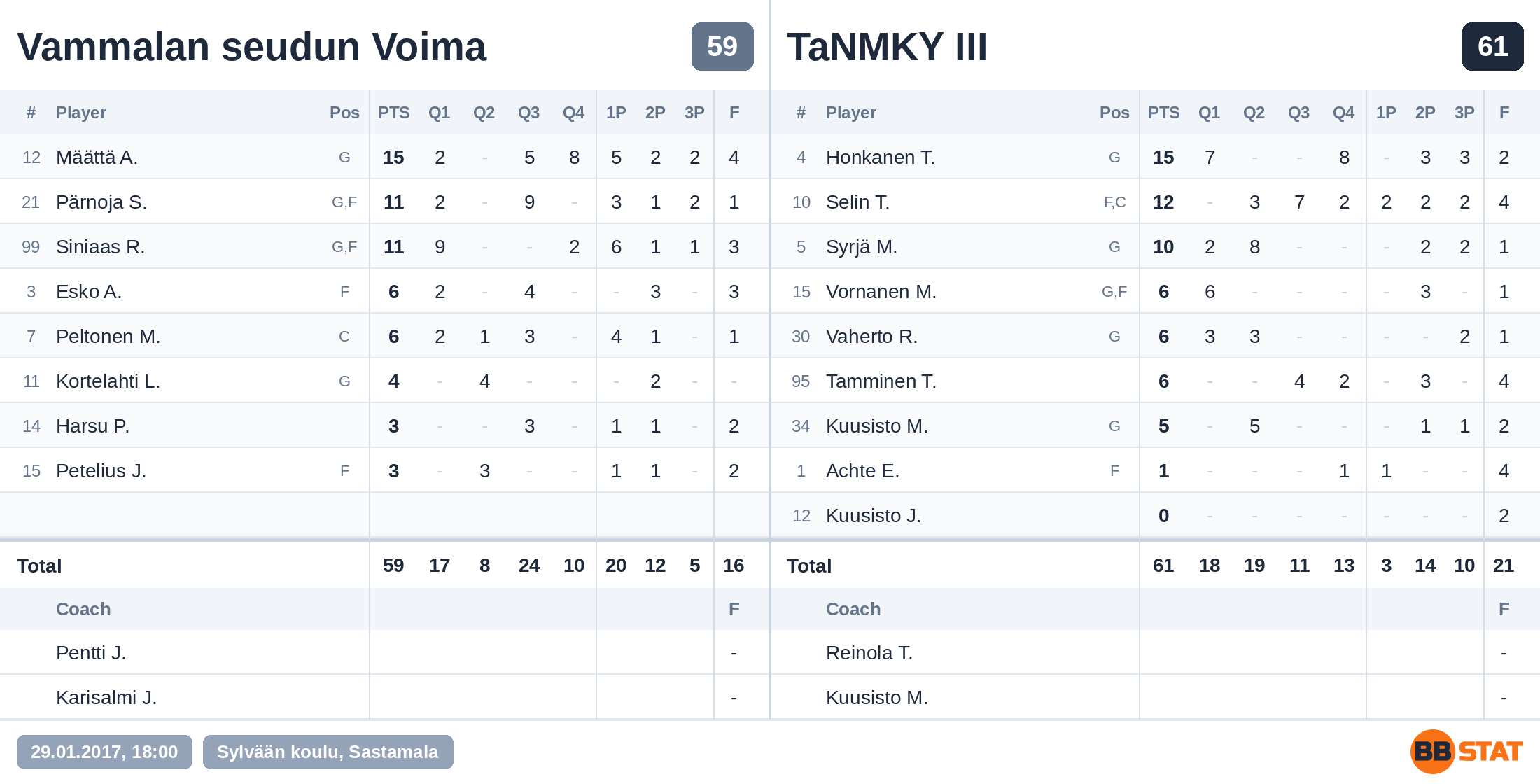
On a game page, Copy box score puts the box score on the clipboard as a picture, ready to paste into a chat, and Save as image downloads it as a PNG. Both teams are on one picture with the points by quarter, baskets, fouls, coaches, date and arena. Names follow the same rule as the page: visitors who are not logged in see surnames and first initials.
Advanced stats
When a game has advanced stats, logged-in users get Save advanced stats as image in the same place on the game page. It saves a wide table of the team you are looking at, from points and shooting to rebounds, assists, efficiency and touches, in the same style as the box score.
Player cards
On a card, Share or save picture makes one picture of both sides of the card. On a phone it opens the share sheet, so you can send it straight to WhatsApp or another app. Copy link gives the card its own link that anyone can open.
Standings and rosters
The standings of a league and the roster of a team have Save as picture, which saves a compact table with every column, even when your phone screen can only show some of them.
Tips
- On a phone the picture goes to the share sheet. On a computer it is downloaded.
- Copying to the clipboard needs a recent browser; if you do not see the copy button, use Save as image.
- The picture shows the page as it is now, so share it after the result has been entered.